
01
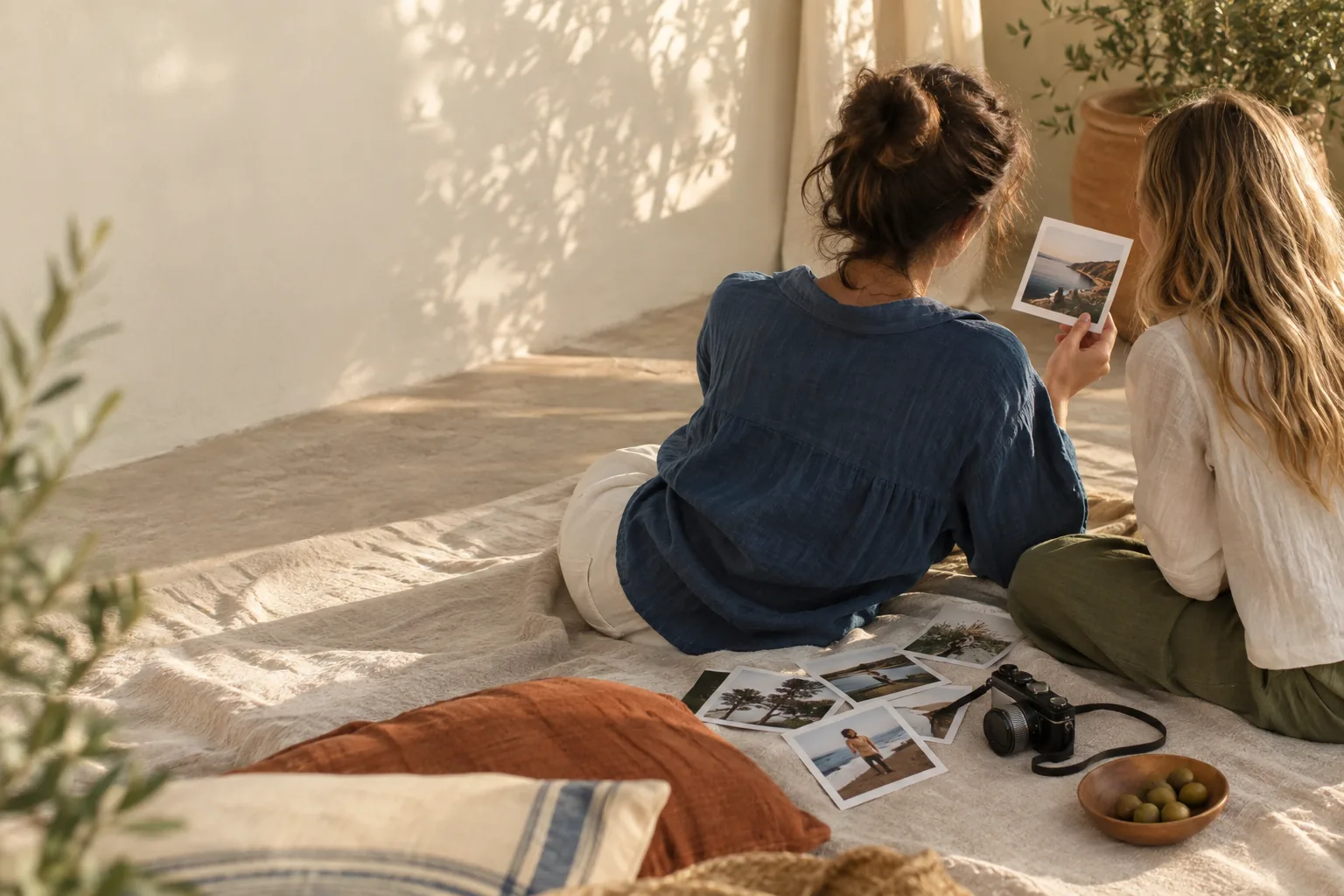
The photo
Add a photo.
Start with one image from your camera roll. You can add more in the studio.
Photo prints, without the guesswork
Choose a format, adjust the crop, and download a preview before you request a demo print.
Formats
Five formats, one print-aware editor. Start with dimensions, then refine the composition.
A timeless 10 × 15 cm print for albums, frames, and the fridge.
The workflow
A short path from image to proof: pick a photo, compose it, and inspect the result.
The photo
Start with one image from your camera roll. You can add more in the studio.
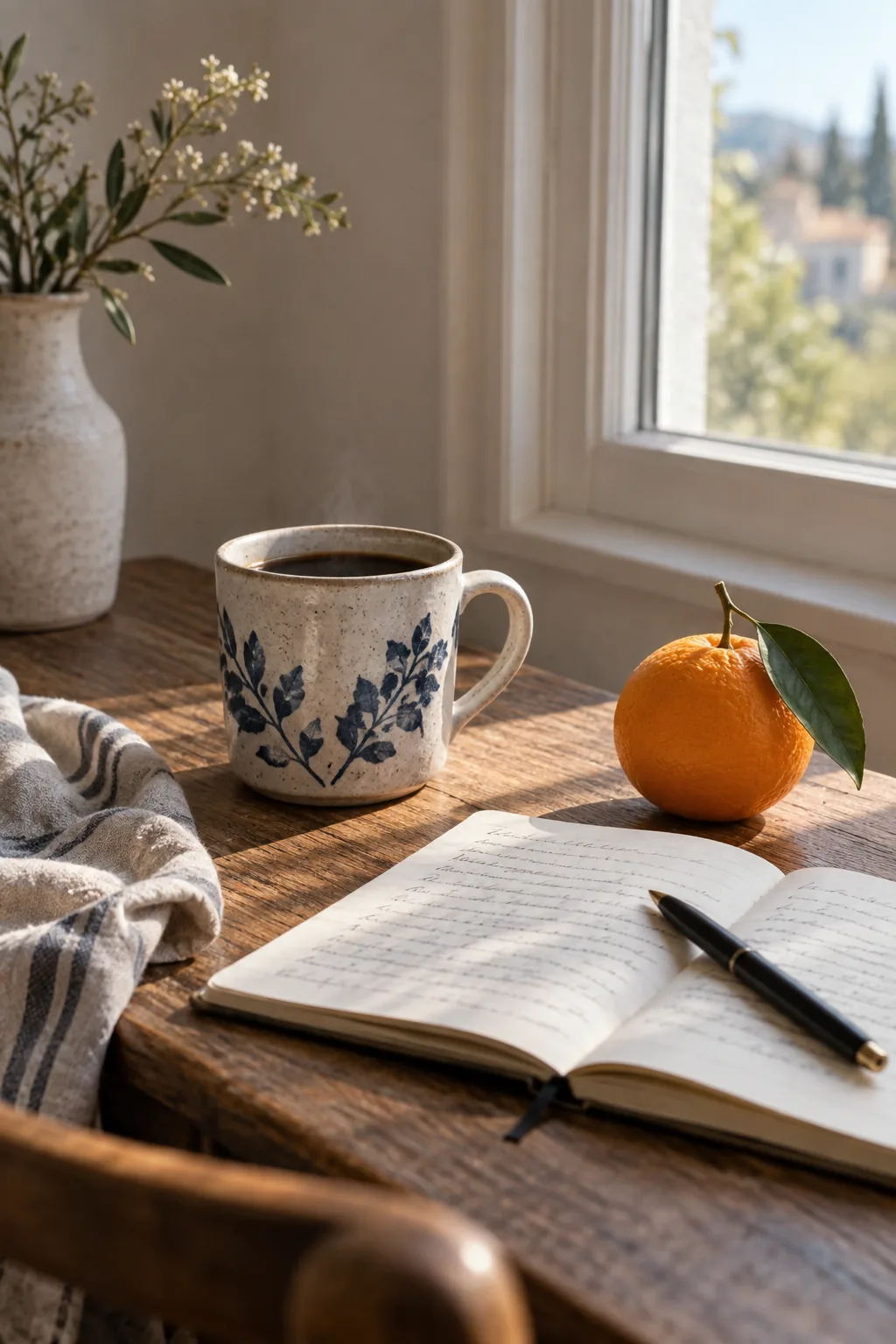
The composition
Adjust the frame, add a note, and keep the safe area in view.
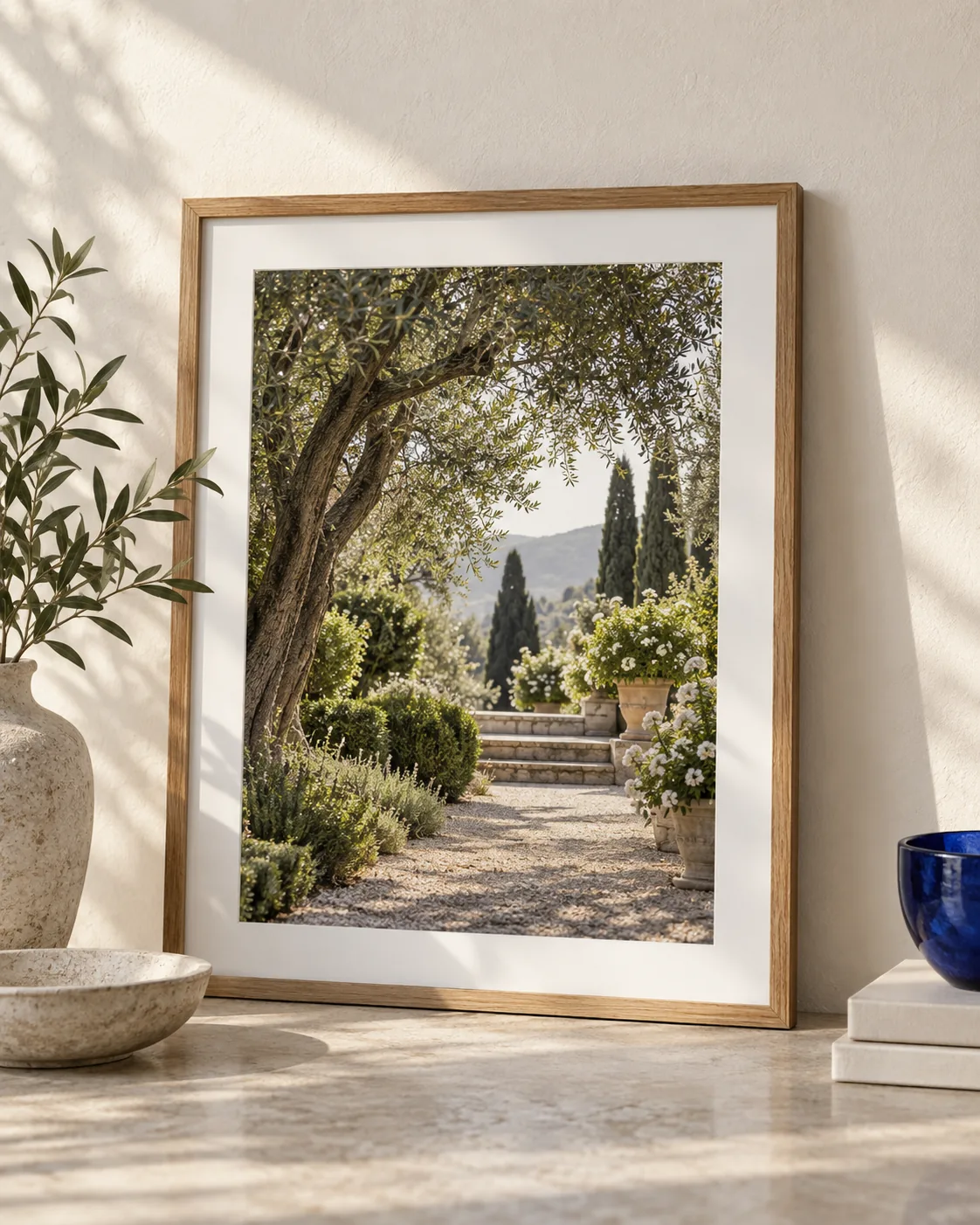
The finished print
Download a preview or send a clearly labelled demo request when it is ready.
Templates
Use a template for a head start. Every layer stays editable in the studio.
Print checks
The editor shows the crop, safe area, and effective resolution while you work.
A calmer way to create
Choose a format, make the composition, and see what the finished print will feel like before you request it.
See how it worksGood to know
Everything here is designed to be explored before you commit. This portfolio demo is transparent about what is ready today.
Yes. Guest designs stay in this browser until you choose Save. Sign in when you want cloud projects and sharing.
No. A request is a local or clearly labelled demo submission. Pricing, payment, and fulfillment wait for a print partner.
The guest studio accepts JPEG, PNG, and WebP images up to 8 MB, with a quality signal as you compose.
Start with one photo